Compass for iCE Software
Compass for iCE software is a powerful and intuitive platform designed to streamline data analysis and management for iCE instruments. This advanced software simplifies method development, enhances data visualization, and ensures precise and reproducible results for analytical workflows.
New for Compass for iCE v4.1
Now Validated for Windows 11
- Initiate a run using cIEF, icIEF 400, CE-SDS PLUS, and Turbo CE-SDS cartridges that have expired. While we recommend replacing expired cartridges for the most reliable results, the software allows you to proceed using expired cartridges if needed, with a clear audit trail logging for compliance.
- 100 guaranteed injection limit notification has been removed from Compass software
- All cartridges are validated for use up to maximum injection/batch
- Regular post-run cleanup and purging - guided by the software - critical for maintaining cartridge stability and maximizing cartridge life
Analyze, Report, Trace
Compass for iCE software automatically processes samples and gives you the final analysis and reporting on your biologics. And it's got tools for 21 CFR Part 11 compliance for traceability!
cIEF Analysis
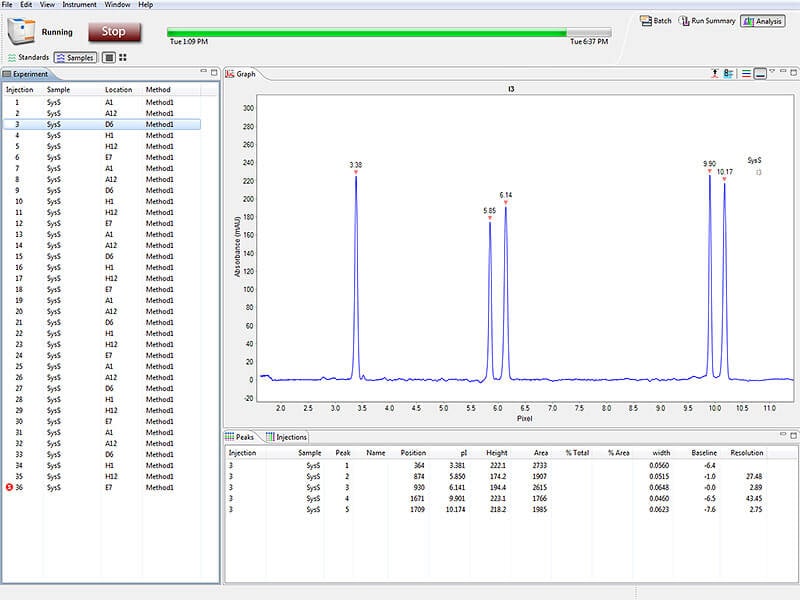
Data analysis for your cIEF applications on Compass for iCE is fast with its easy-to-use software interface. All your software controls, acquisition and analysis is done on one platform.
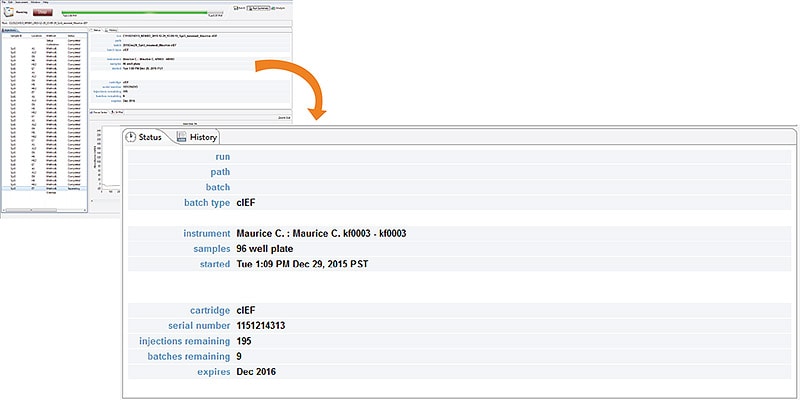
Easy Batch Set Up For cIEF Batch Types
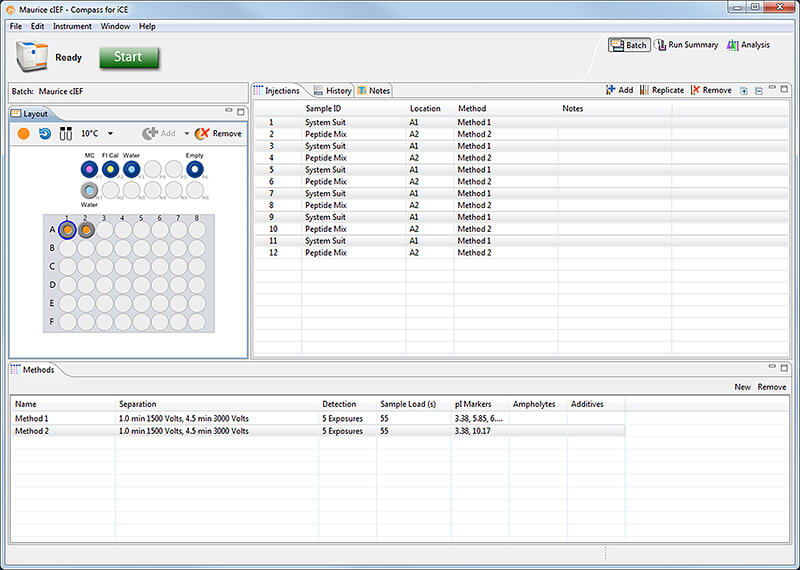
Multiple Methods In The Same cIEF Batch And Rfid Tracking
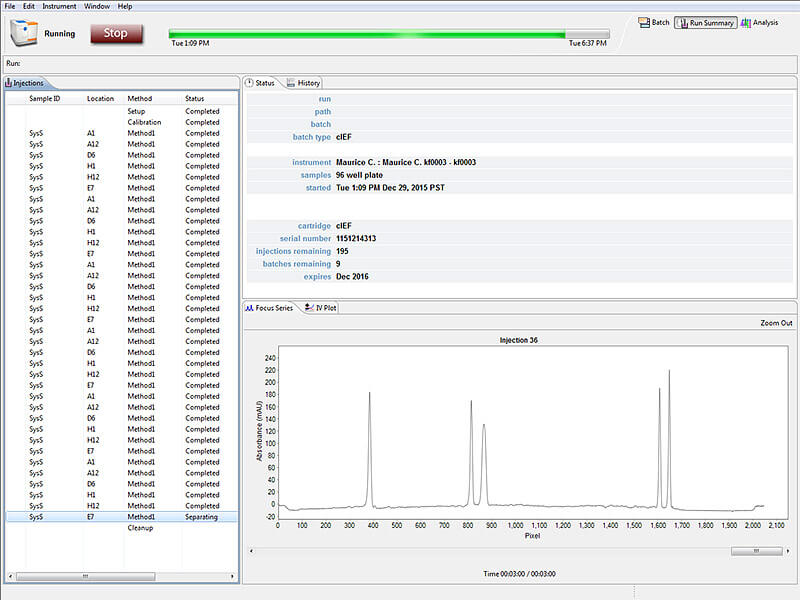
Data Processing And Analysis
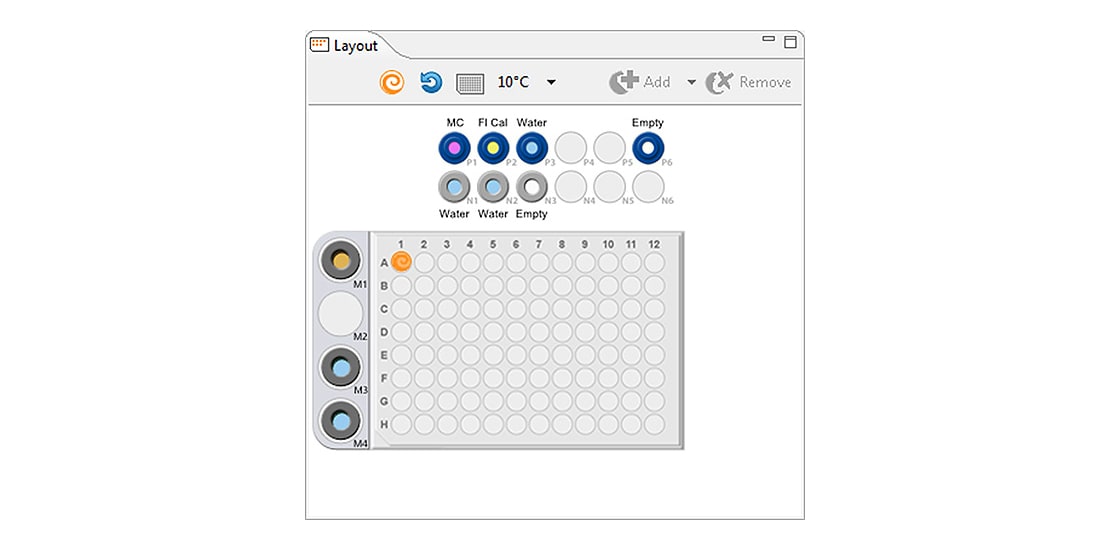
Maurice Supports On-Board Mixing (Optional)
Turn on your on-board-mixing to automate your sample preparation with a click of a button. Apply this to the whole batch or selected samples as you like.
CE-SDS Analysis
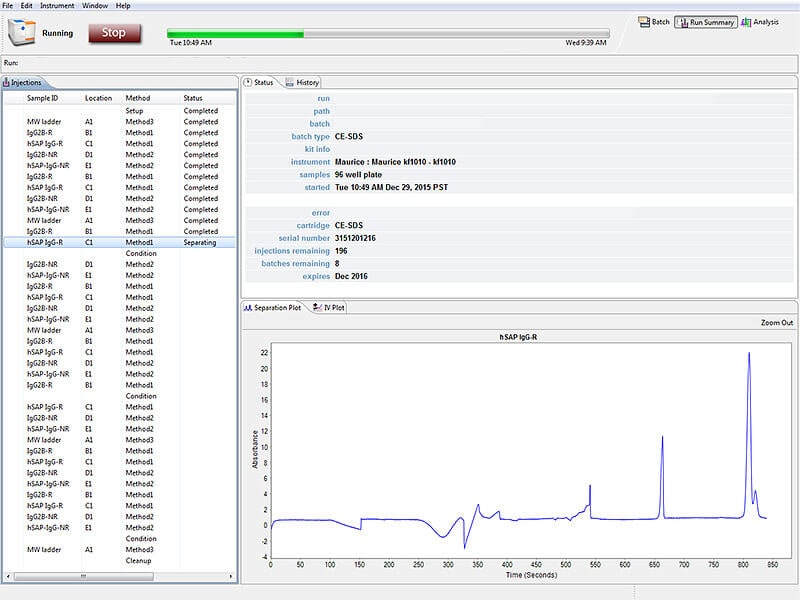
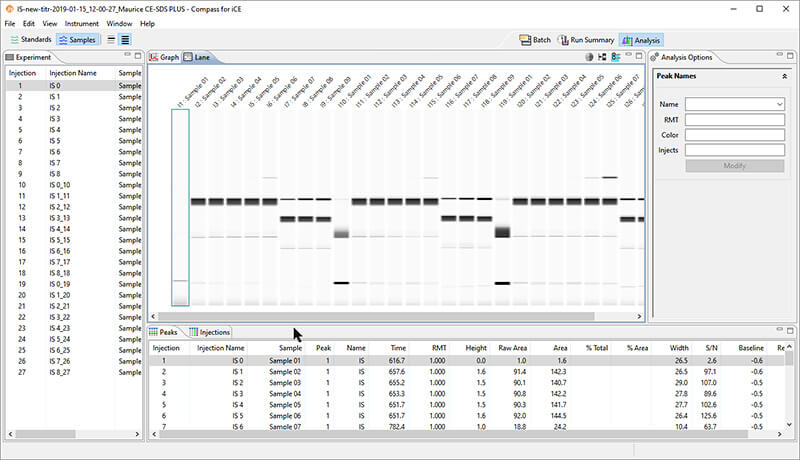
Data analysis for your CE-SDS applications on Compass for iCE is fast with its easy-to-use software interface. All your software controls, acquisition and analysis is done on one platform. The new Lane View feature gives you a gel-like representation of your CE-SDS data.
Easy Batch Set Up For CE-SDS Batch Types
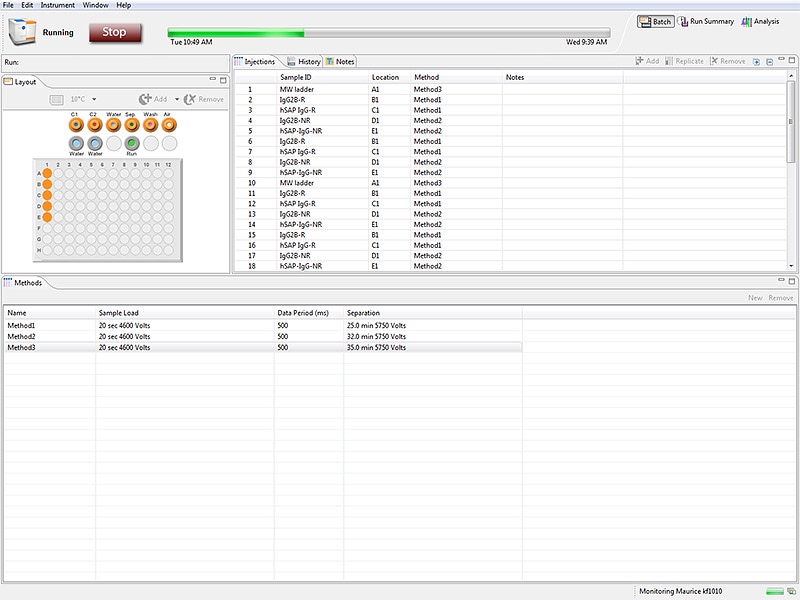
Multiple Methods in the Same CE-SDS Batch and Rfid Tracking
Data Processing and Analysis
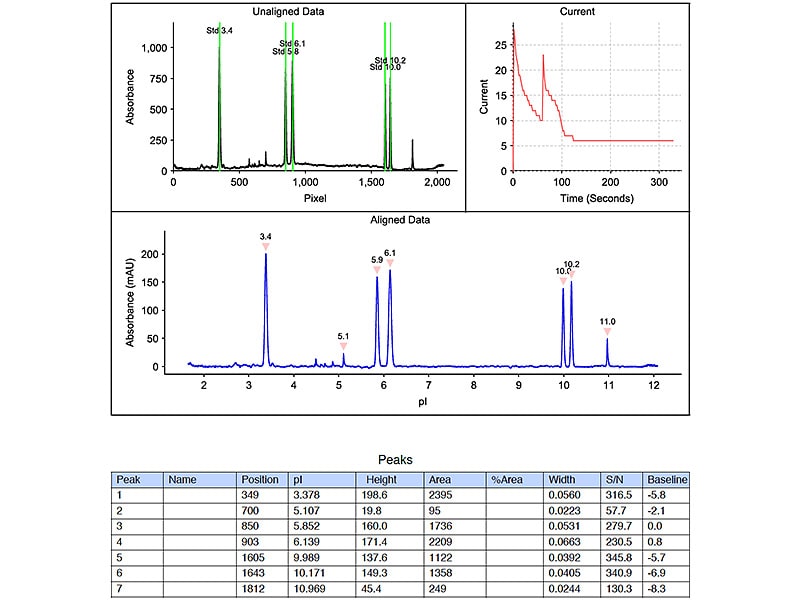
Reports on Your Biologics
Maurice tweets when he's done. He generates complete data reports and allows easy data export as well.
Traceability for 21 CFR Part 11 Compliance
The Compass Access Control feature can be used to help satisfy the 21 CFR Part 11 data security requirements when using Maurice instruments. When Access Control is enabled and the Authorization Server has been installed:
- Users are required to log in to Compass when the software is launched
- A history of all actions is maintained
- Data files are signed and encrypted to prevent unauthorized changes (e.g., all files are controlled)
- Each instrument maintains a history of user commands
- Each application and data file includes a history of signed changes to the file